Skip to content

[01]  Residential tech support · Phoenix metro

Computer problems? We find the real cause.

Owner-operated tech support for the machines and networks Phoenix homeowners rely on. Straight answers, clear pricing, and work focused on the actual failure, not the symptom on top of it.

$125 / service call first hour included PC & Mac on-site & remote
Photo by Samsung Memory
Service call $125 First hour included, no vague estimates.
Real diagnosis firstWe find the cause before we quote the fix.
Same-day help in most casesFast response across the Phoenix metro.
$125 flat service callFirst hour included, no vague estimates.
Talk to the technicianDirect owner access, not a call center.

Why homeowners call

Four things you can count on before the work starts.

Find the cause, not just the symptom.

We look at the problem from the inside out, so the fix is based on what is actually failing. That means less guesswork, fewer repeat issues, and a clearer path to a machine or network that works the way it should.

Explore our services
Start with a clear number.

The service call is $125 with the first hour included. That gives you a direct starting point before any work begins, so you can move forward without hidden fees or vague estimates.

View pricing details

Work with the technician, not a call center.

You talk directly with Max Allred, the owner and technician. That keeps the process simple, personal, and easy to follow from first call to finished repair.

Contact Max

Support built for the Phoenix metro.

We help homeowners in Phoenix, Mesa, Chandler, Gilbert, Tempe, and Scottsdale. If your computer or network is disrupting your day, local help is close by.

Check service area

Services

Residential tech support for the problems that interrupt the day.

Five focused services for homeowners and home offices across the Phoenix metro. Every one starts with a diagnosis, not a guess.

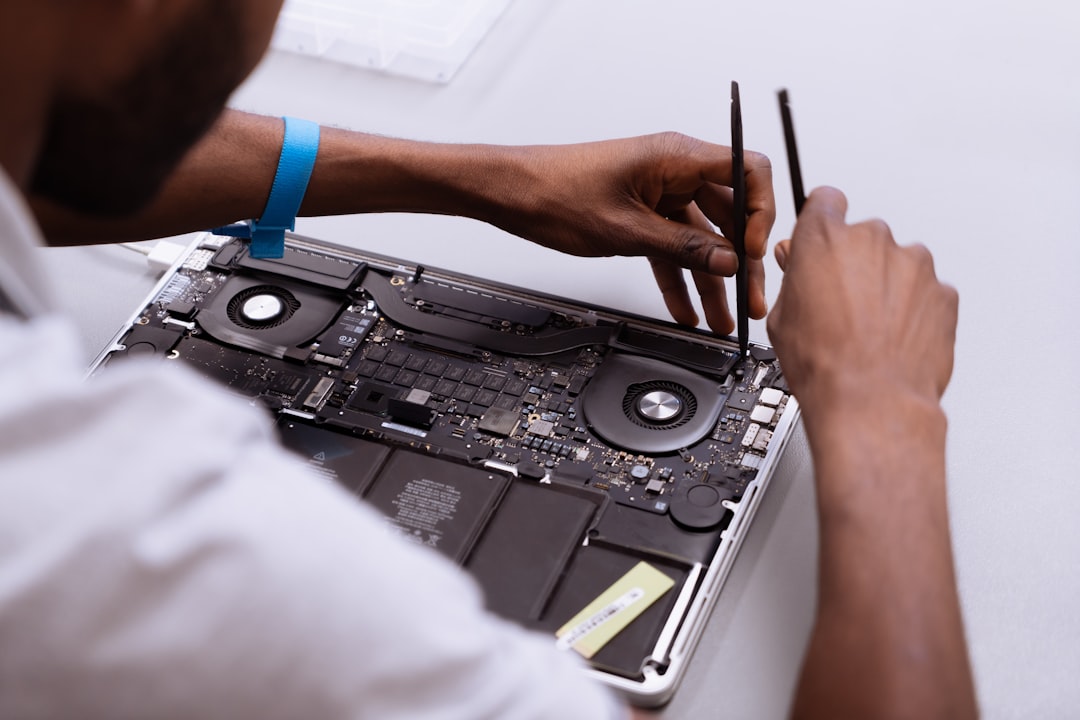
Technician hands-on repairing a laptop, diagnostic tools nearby

Computer Repair and Diagnostics

Slow performance, boot problems, crashes, and hardware issues get a focused diagnosis first, then the right repair plan.

Learn more
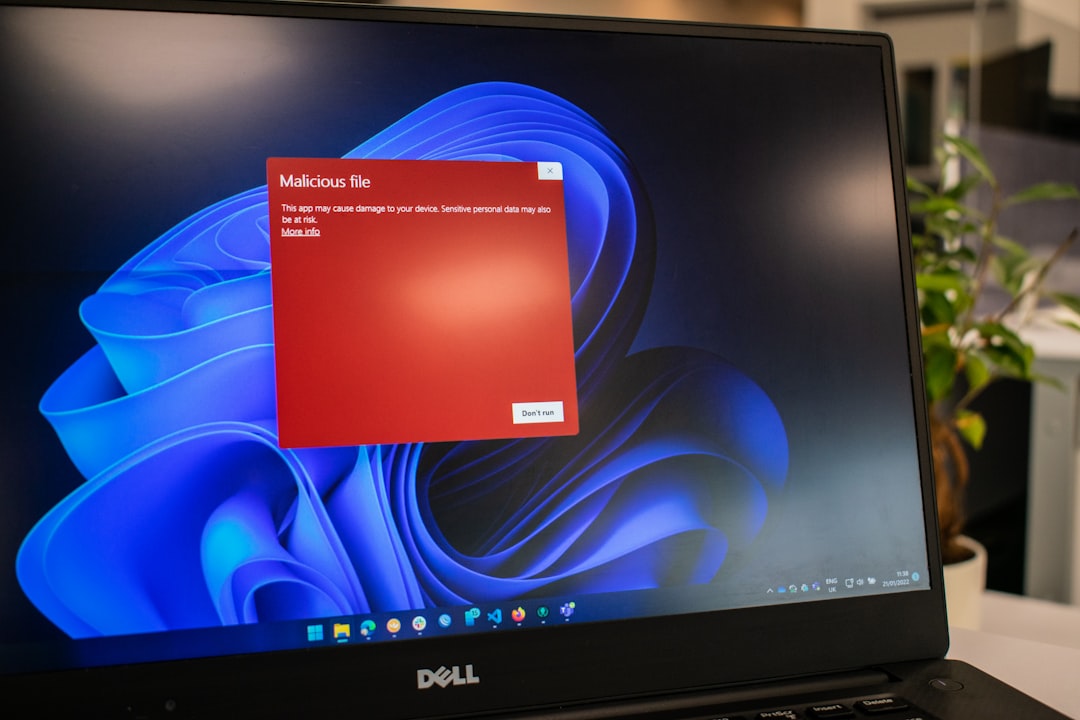
Laptop screen showing a security alert during a virus removal diagnostic

Virus and Malware Removal

We clean up unwanted software, browser problems, and suspicious behavior so your device feels usable again.

Learn more
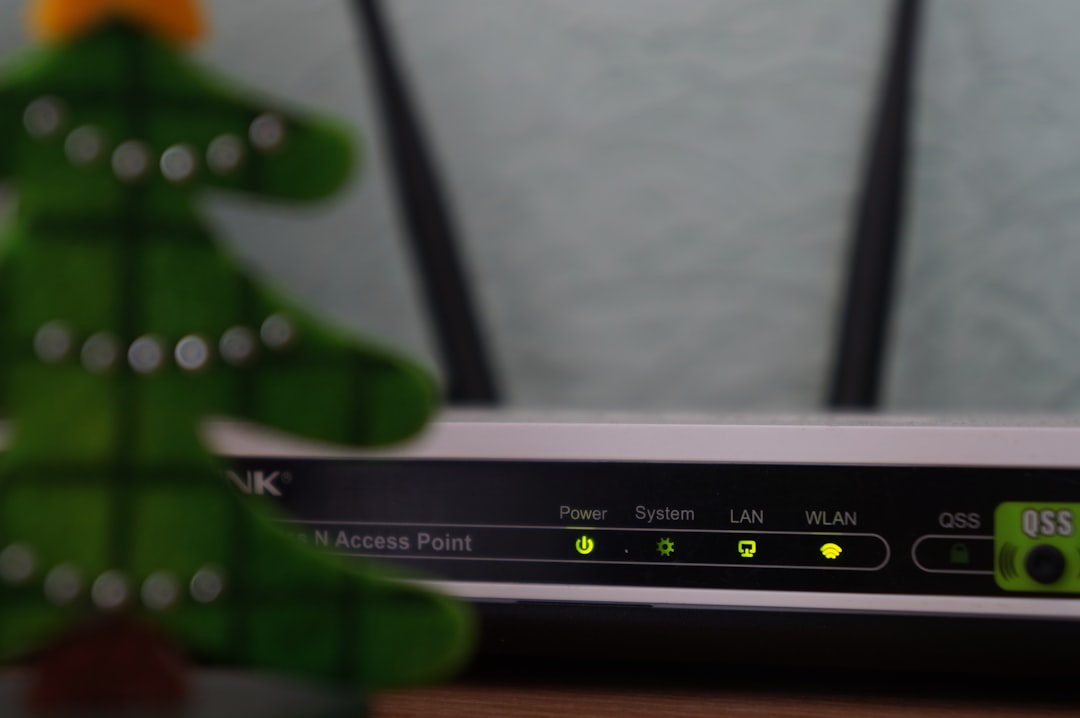
Home Wi-Fi router set up on a table during a network install

Network Setup

We help home Wi-Fi, routers, and connected devices work together without dead zones or constant reconnecting.

Learn more
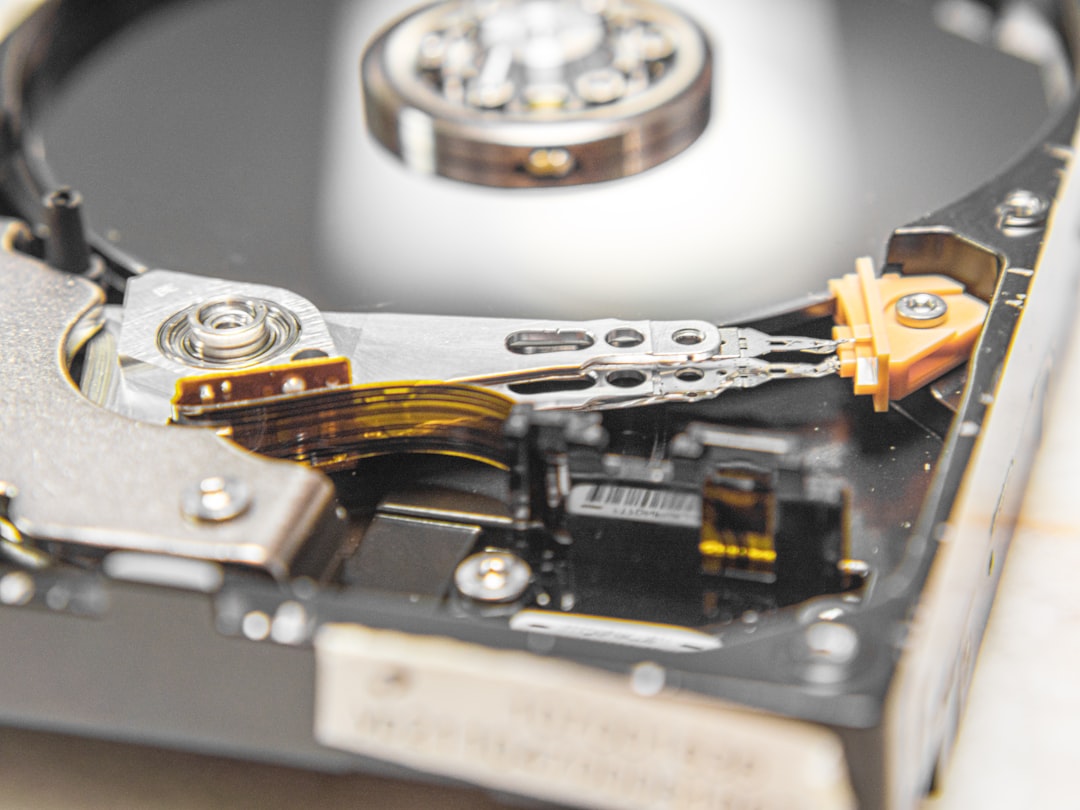
Close-up of a hard disk drive during a data recovery job

Data Recovery

We work carefully to recover important files from drives and systems that are failing or no longer accessible.

Learn more
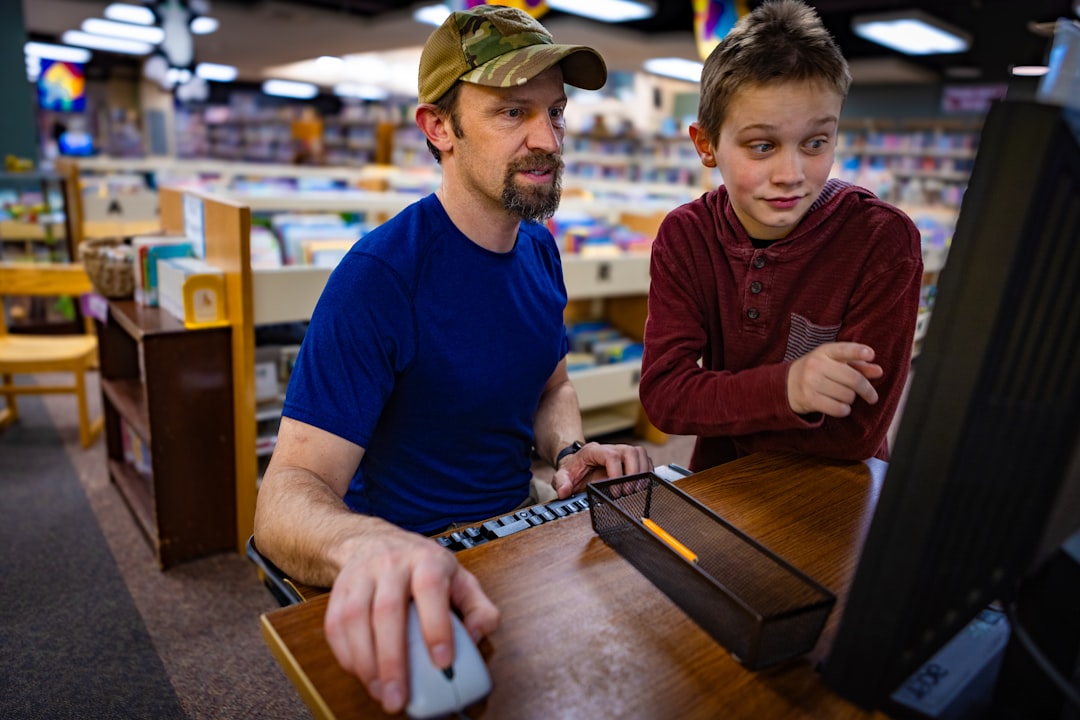
Technician walking a customer through a computer buying decision

Computer Buying Help

If you need a new laptop or desktop, we help you choose hardware that fits the way you actually use it.

Learn more

How it works

Simple process, clear expectations.

We start with the problem you are seeing, then look for the root cause and the fastest honest fix. If the best solution is a repair, replacement, or a different setup entirely, we tell you directly.

STEP 01

Describe the issue

Call or send a note with the device, the symptoms, and what changed before the trouble started.

STEP 02

Get a real diagnosis

We look at the system as a whole and identify what is actually failing, not just the visible annoyance.

STEP 03

Approve the plan

You get the fix, the cost, and the honest alternative if a repair is not the right move.

STEP 04

Back to normal

We finish the work, explain what happened in plain language, and leave the setup easier to live with.

Diagnostic report

What a real diagnosis actually looks like.

No guessing, no wiping the machine and handing it back. Every visit starts with a structured check of the system as a whole, then a written plan you can say yes or no to. This is the same format we work from on site.

Diagnostic report Case: residential · Phoenix · sample
Boot sequencechecked
Startup items2 flagged
Malware and pup scanclear
Drive health92%
Thermal lognormal
Network handshakestable
Verdict

Root cause: two rogue startup items and dust buildup in the cooling path. Plan: remove the items, clean the unit, retest. $125 / 1 hr. No replacement needed.

Sample report for the mockup. Real diagnostics use the same structure on site.

What customers say

Straight answers people remember.

Sample review layout for the mockup. Real approved customer reviews replace these stand-ins before launch.

He found the real problem in twenty minutes after two other shops just wiped the machine and handed it back. Straight answers, fair price.

Homeowner, Gilbert

Our Wi-Fi dropped every afternoon for a year. One visit and the whole house is stable, including the printer nobody could fix.

Home office client, Chandler

I called about a dead laptop and got the owner on the phone, not a queue. He recovered the photos I thought were gone.

Homeowner, Mesa

Service area

Residential tech support across the Phoenix metro.

We serve Phoenix, Mesa, Chandler, Gilbert, Tempe, and Scottsdale. Whether the issue is in the office, living room, or home network closet, we make it easy to get help where you are.

Phoenix Mesa Chandler Gilbert Tempe Scottsdale
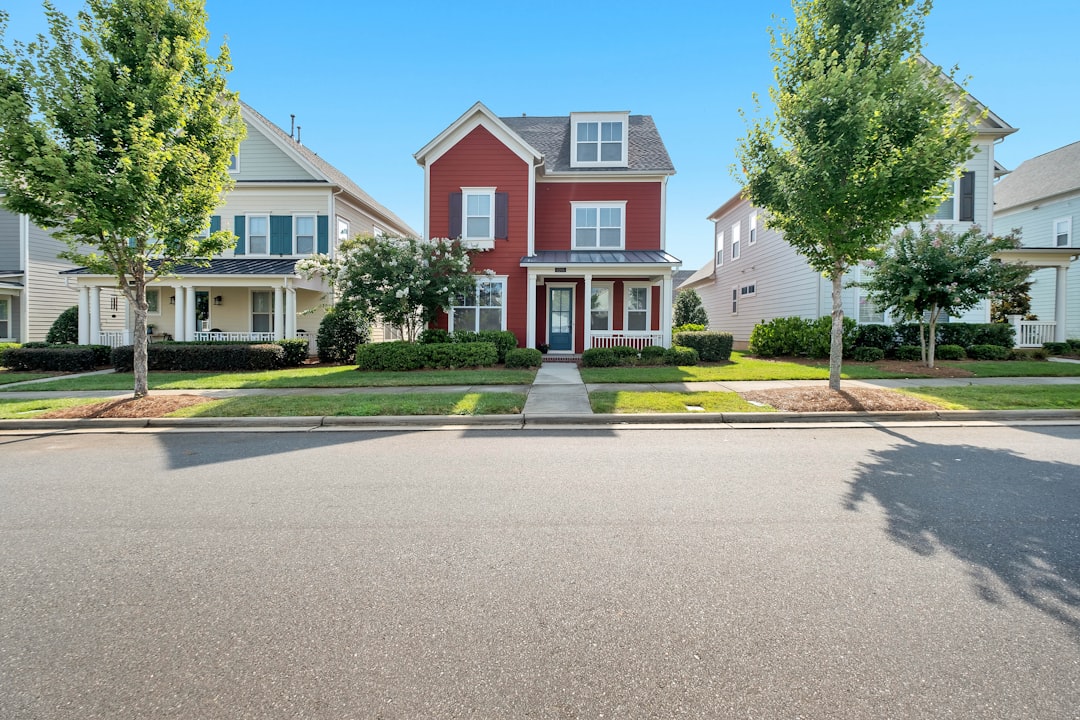
Suburban residential home exterior representing Phoenix-metro service area

FAQ

Common questions, answered clearly.

Most homeowners want to know what the service call includes, how fast help is available, and whether the issue can be handled on-site or remotely. We answer those questions directly so you can decide with confidence.

The service call starts at $125 and includes the first hour. That gives us time to look at the issue, diagnose the cause, and start working on the fix with a clear price structure.

Yes. We help with both Windows computers and Macs, including slow performance, boot problems, malware cleanup, and setup issues.

We support both when the issue and setup make it a fit. Some problems are better handled in the home, while others can be addressed remotely.

Ready to get the problem solved?

Call to schedule residential tech support with a technician who explains the issue plainly and fixes it without the runaround.